Set up your event
Name your event, choose Competitive or Completion Mode, and set your start and end times. Events are scheduled in your local time zone, and participants see the start time in theirs.
How It Works
Riddler Go gives you thirteen puzzle types, a drag-and-drop builder, and a code to share. Here's what building and running an event actually looks like, step by step.
Start building for free. Upgrade anytime.
Build the Event
Start from scratch or pick a template built for your kind of event. You'll set up your event details, choose your event type, and add as many puzzles as you want — puzzle creation is unlimited on every plan.
Name your event, choose Competitive or Completion Mode, and set your start and end times. Events are scheduled in your local time zone, and participants see the start time in theirs.
Mix any of the thirteen puzzle types and drag them into the order you want. Enter your content and the platform generates the rest — crossword layouts, matching tiles, scrambled words, and answer reveals.
Upload one image or 30-second video per puzzle, resized and optimized automatically. Add up to two hints, followed by an Answer Reveal generated from your own answer.
Add your logo, banner, colors, and sponsor information. Customize the welcome message participants see first and the completion message they see last.
Puzzle Types
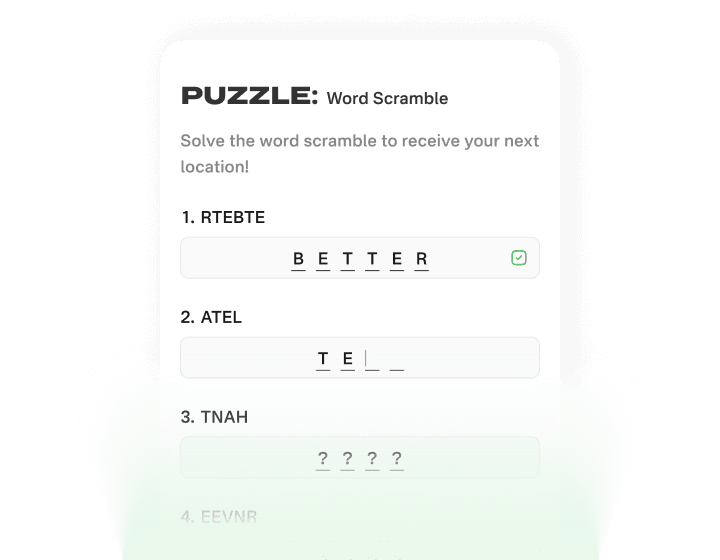
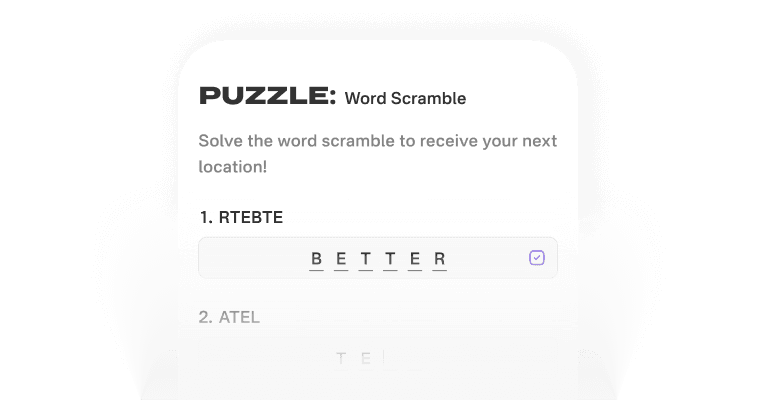
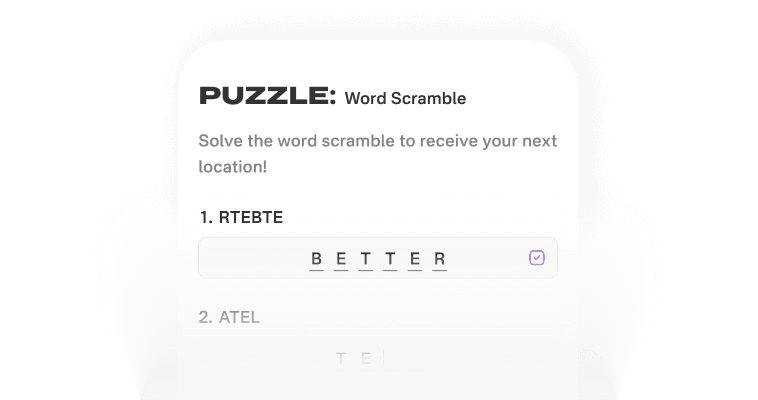
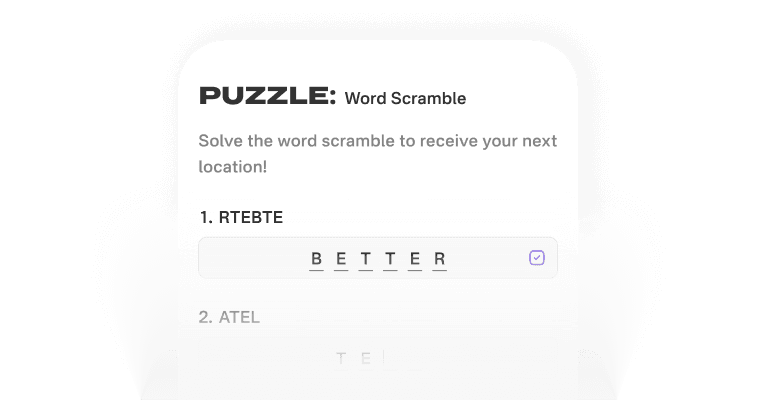
Add up to six words and either scramble them yourself or let Auto Scramble do it in a click. Great for themed sets — six national parks, six product names, six things about the bride.
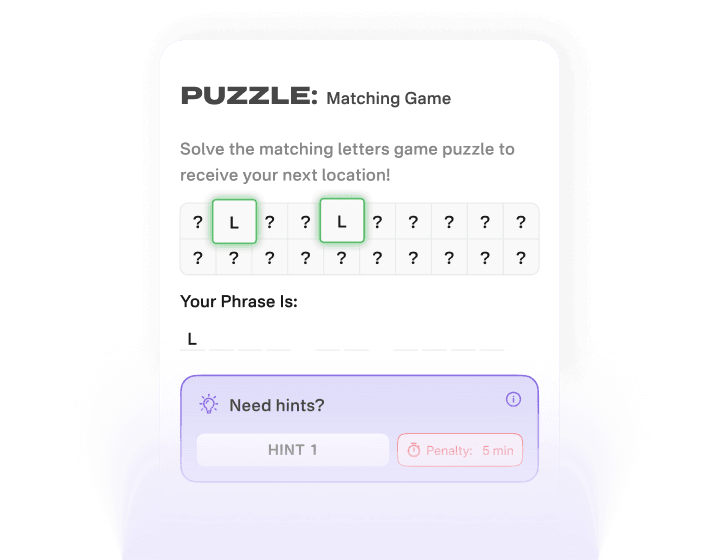
Enter your answer and the system builds a randomized grid of matching letter tiles automatically. Participants flip and pair tiles to uncover the phrase, one letter at a time.
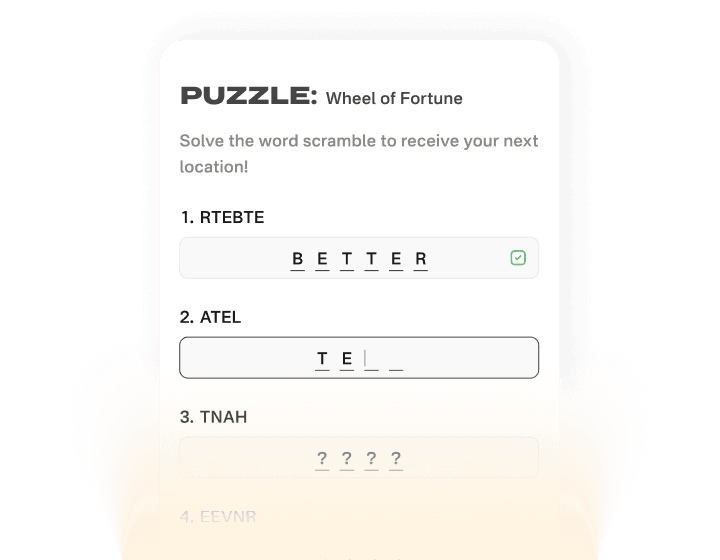
The game show format everyone already knows — participants guess letters to reveal a hidden phrase. A live mobile preview shows exactly how your answer will look before you publish.
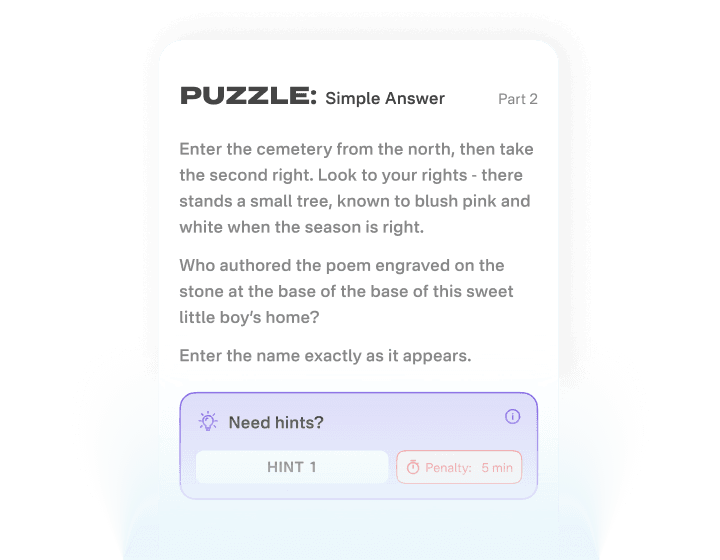
Ask a question, set the answer, done. It's the most flexible puzzle type on the platform, working equally well for trivia, riddles, QR code hunts, training videos, or product packaging.
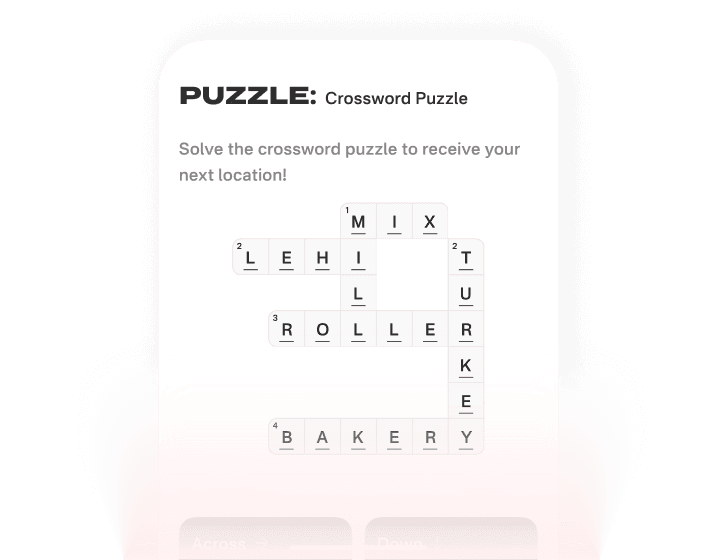
Enter up to six words and clues, and the layout, numbering, and Across/Down placement generate themselves. Don't like the arrangement? Regenerate for a different valid layout.
Hide up to a dozen words in a letter grid and let participants hunt them down. The grid generates itself from your word list, and the answer reveal names the row, column, and direction of every word.
Ask a question, give two to six options, and mark the right one. The board highlights the chosen answer as soon as it is tapped, which makes it the fastest type to play and the easiest to write.
Give participants a set of items and have them drag them into the right order — chronological, largest to smallest, or any sequence you decide. Graded on exact order, so near misses do not count.
Spell out a phrase in emoji and let participants decode it. Short, funny, and the one type people photograph and send to each other — well suited to inside jokes and brand names.
A timed run of true-or-false statements, answered in seconds. Best used as a fast opener or a palate cleanser between longer puzzles, when you want the room moving rather than thinking hard.
Name something for participants to find and capture. They take a photo or a short video on their phone, and the upload itself completes the puzzle — nothing to type and nobody to wait on, so the only thing being measured is how fast they got the shot.
Set a combination of two to ten letters or numbers, and participants spin a wheel for each character until it opens. A wrong try turns every wheel red without saying which one is off, so the whole combination has to be worked out.
Upload a photo, pick Easy, Medium or Hard, and participants slide the tiles back into place. Every scramble is solvable, everyone in the event gets the same one, and the puzzle finishes itself the moment the last tile lands.
Testimonials
From bridal showers to trade show floors, here's what hosts and participants have to say about their events.
Answers To
Everything you need to know before you build your first event. Still stuck? Reach out and we'll help.
Get Started
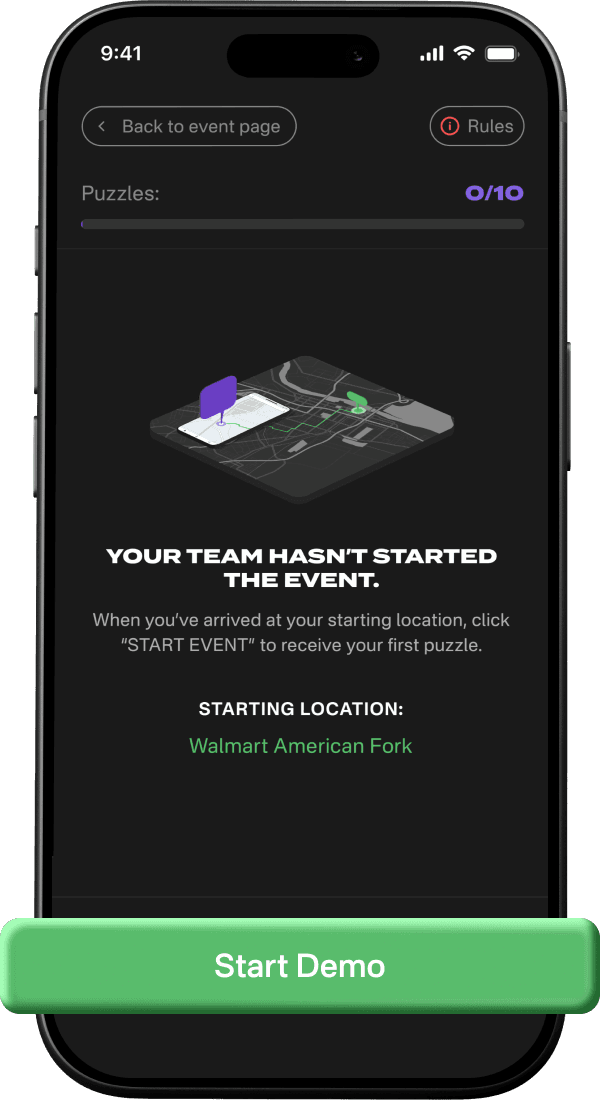
Pick a template or start from scratch, add your puzzles, and share a code. Participants play from their phones in minutes — no app, no accounts, no setup.
Unlimited puzzles on every plan. Small events may qualify for our free participant tier.